No bank, no cards
Nothing to link and nothing to top up. Every dollar in Squigs is a record of what was earned, not money sitting in an account.
 Squigs
A family chore & allowance app
Squigs turns everyday chores into money, points and progress toward a goal that matters, like the dog they've been dreaming about. Parents stay in the loop. Kids learn what responsibility actually costs.
Inside the app
How it works
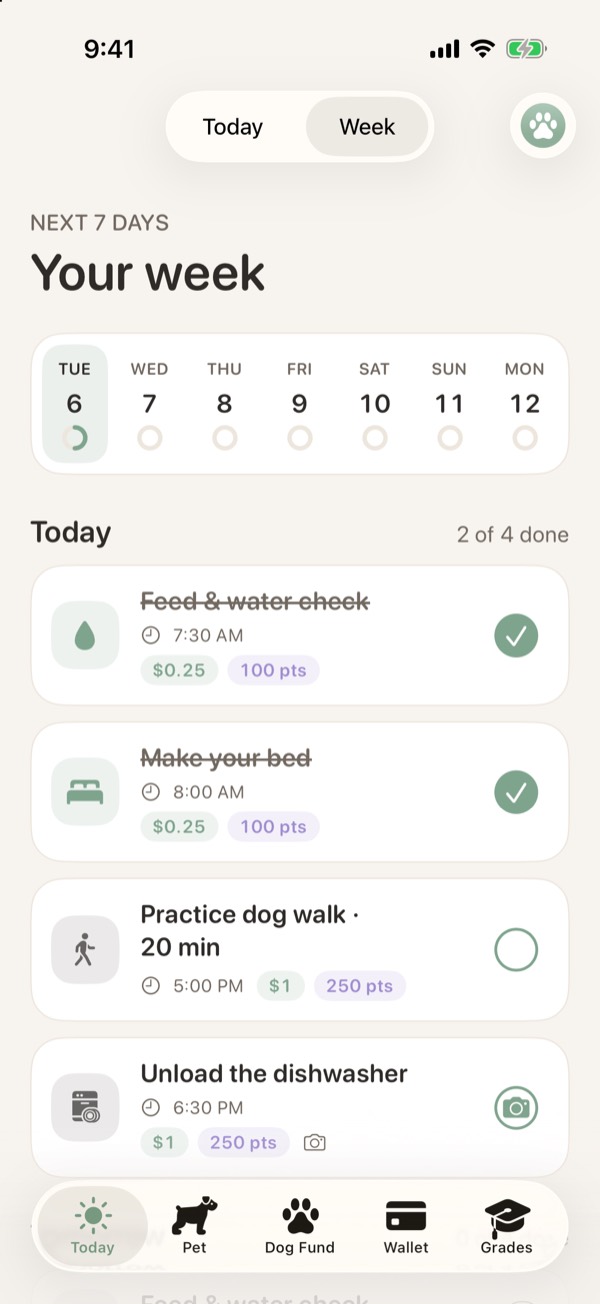
Daily, weekly or one-off, with a due time, a reward in dollars, points or both, and an optional photo check.
One tap when it's done, plus a photo when the chore asks for one. Gentle reminders keep everyone on track.
Approve to pay, or send it back with a note. Either parent can approve, or require both. Mistakes can be undone.
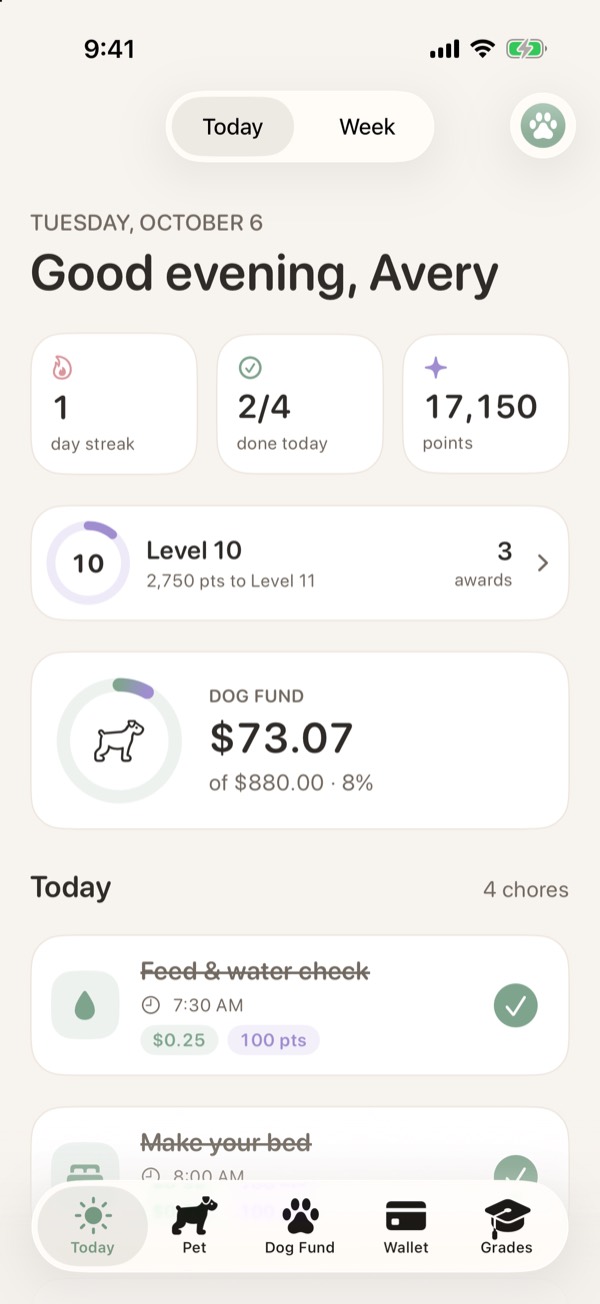
The Wallet updates, the Dog Fund fills, and points unlock levels, awards and treats for the pup.
$0 saved
of $880 to bring a dog home
The Dog Fund
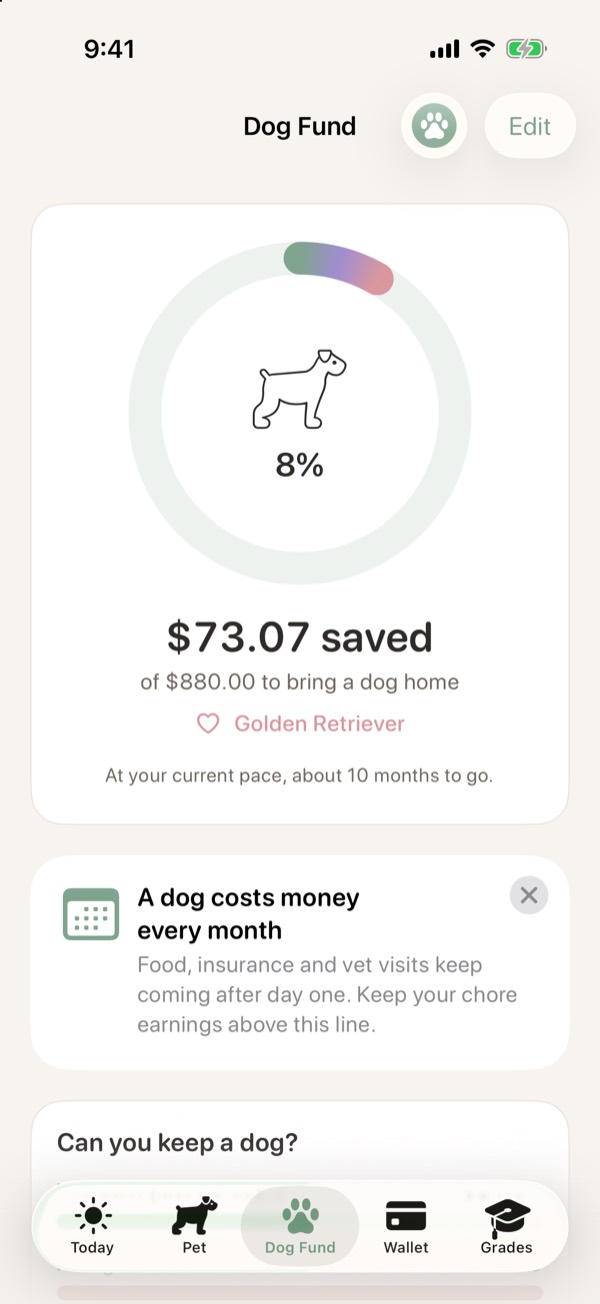
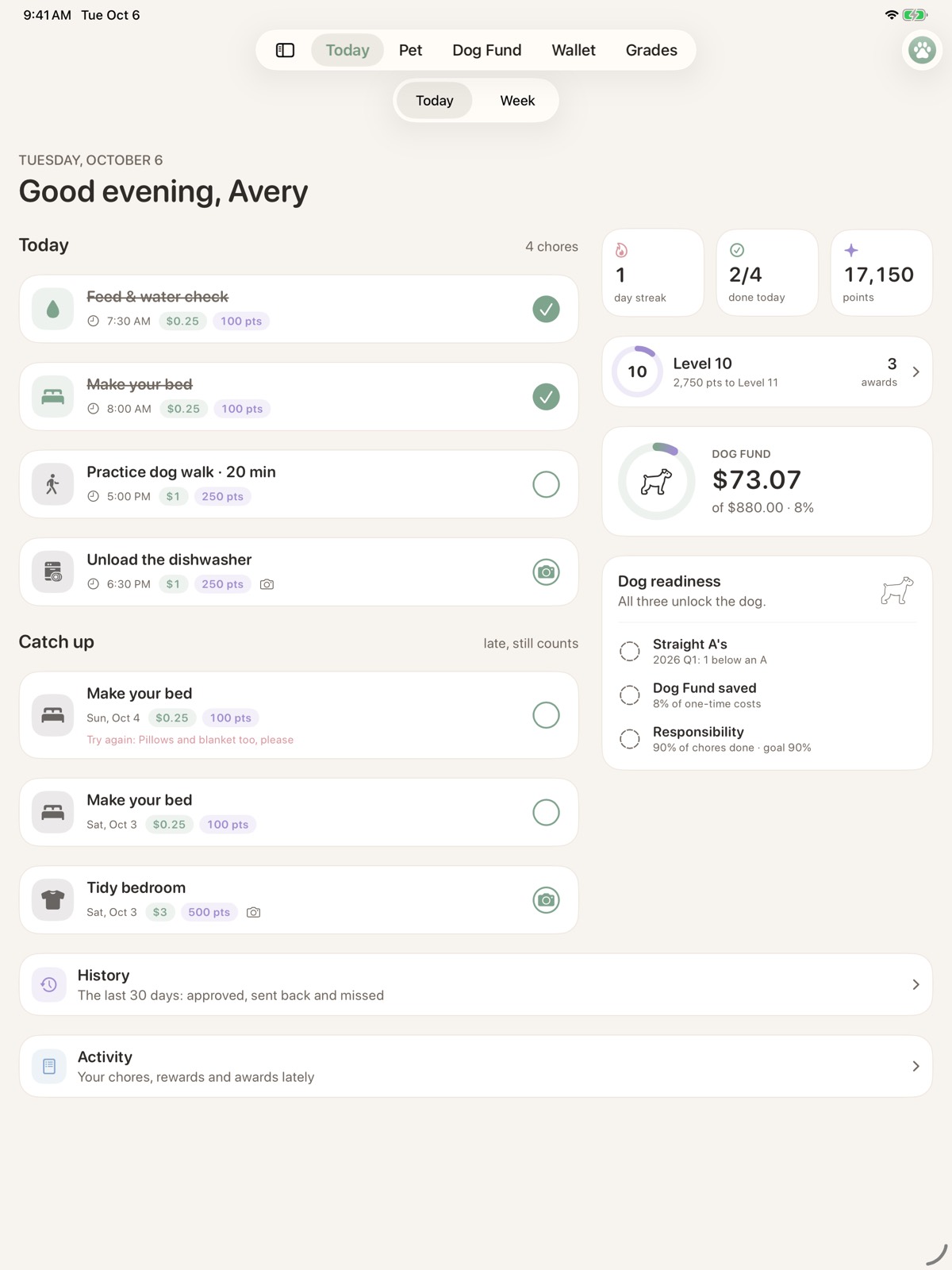
The Dog Fund tracks the one-time costs (adoption, a crate, a bed, the first vet visit) and what a dog costs every month after that.
"You'd need about $74 more a month to cover food, insurance and care." It's an honest answer, and the kind of thing that turns chores into a plan.
Pair it with Straight A's and a responsibility streak, and the Dog readiness card shows when all three are met.
Points & the pup
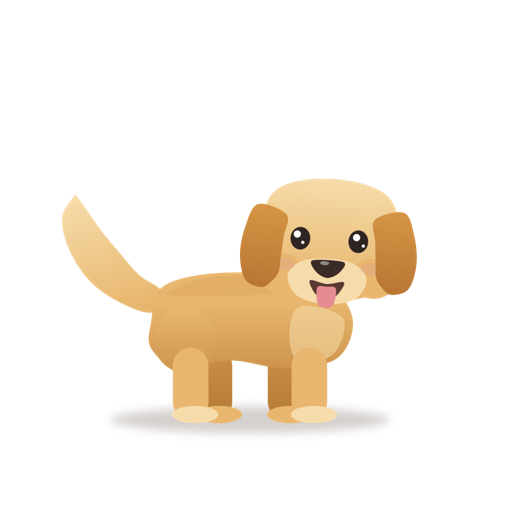
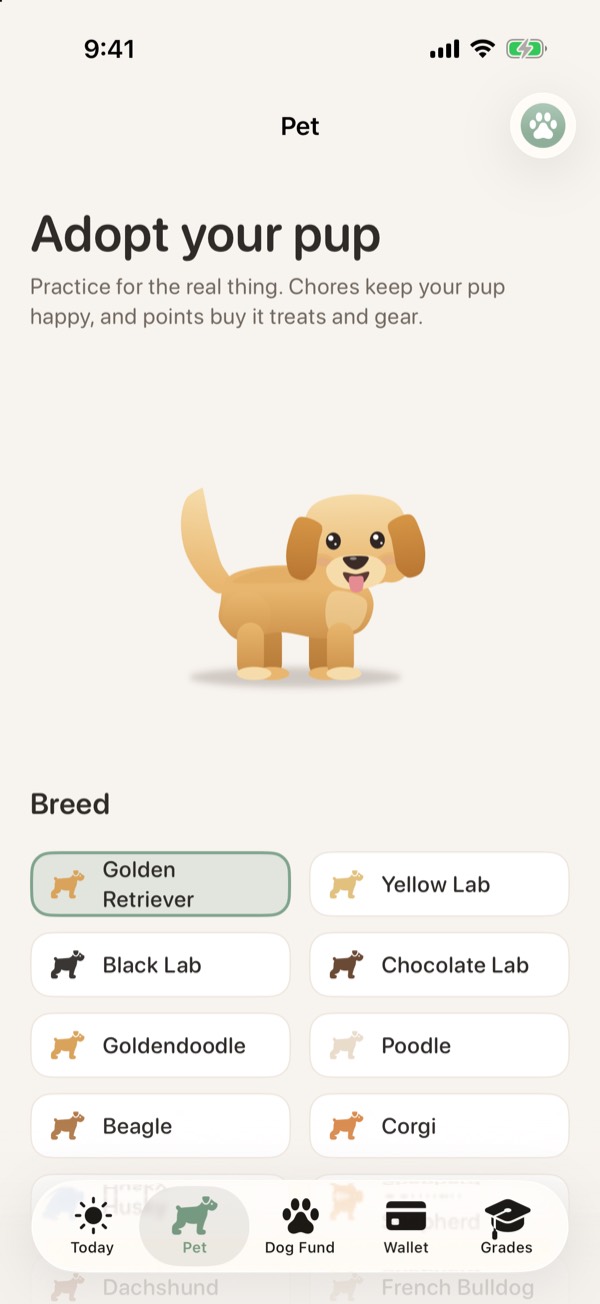
Kids adopt a digital puppy, pick the breed and name it. Doing chores keeps it happy. It never gets sick or sad, just a little bored when nobody's around.
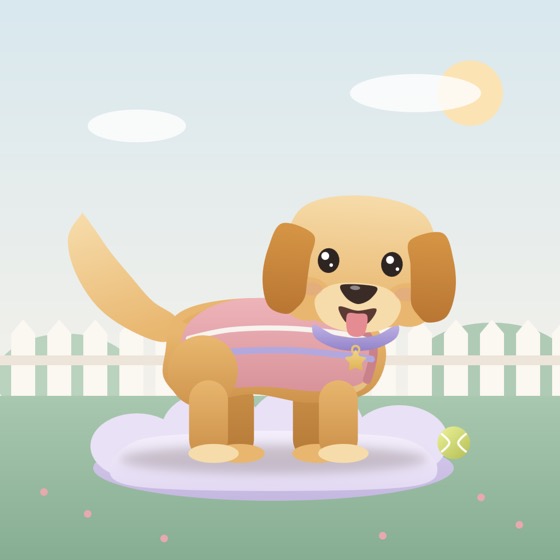

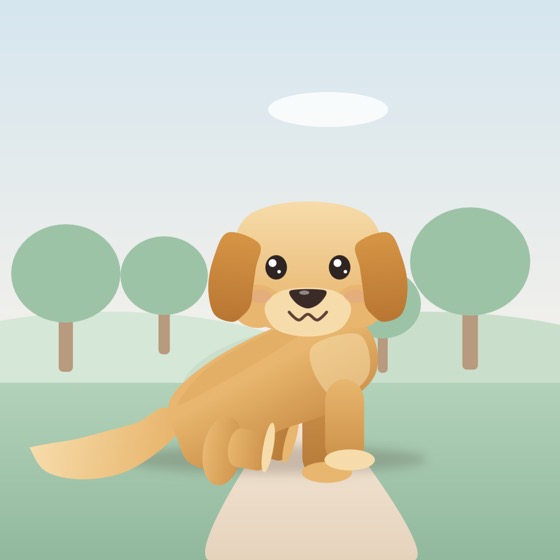
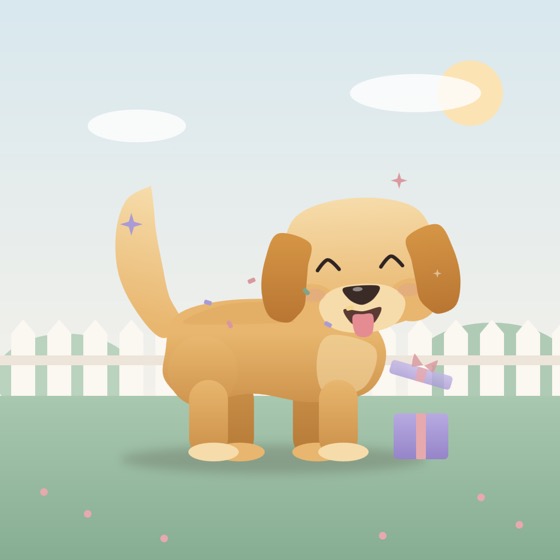
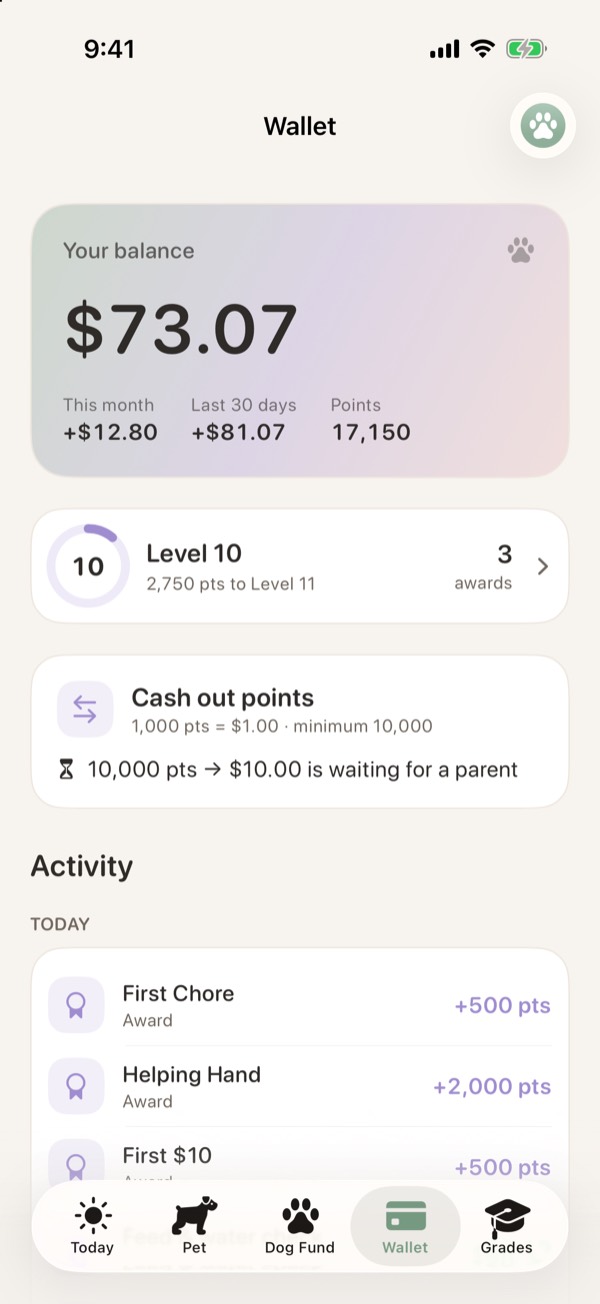
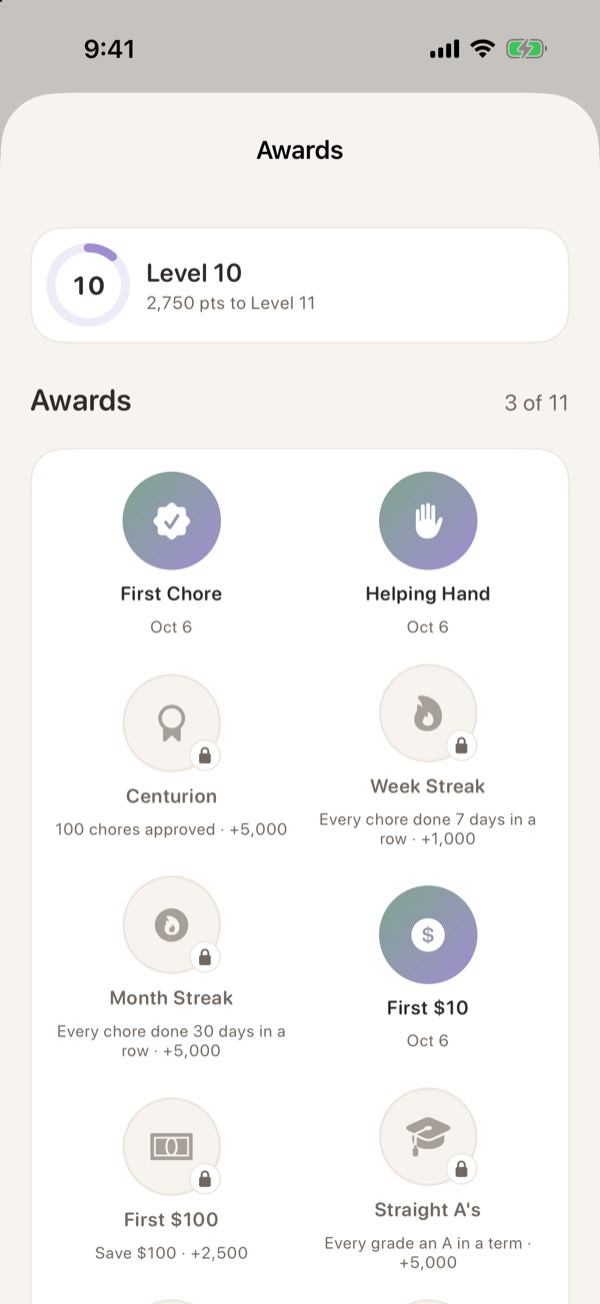
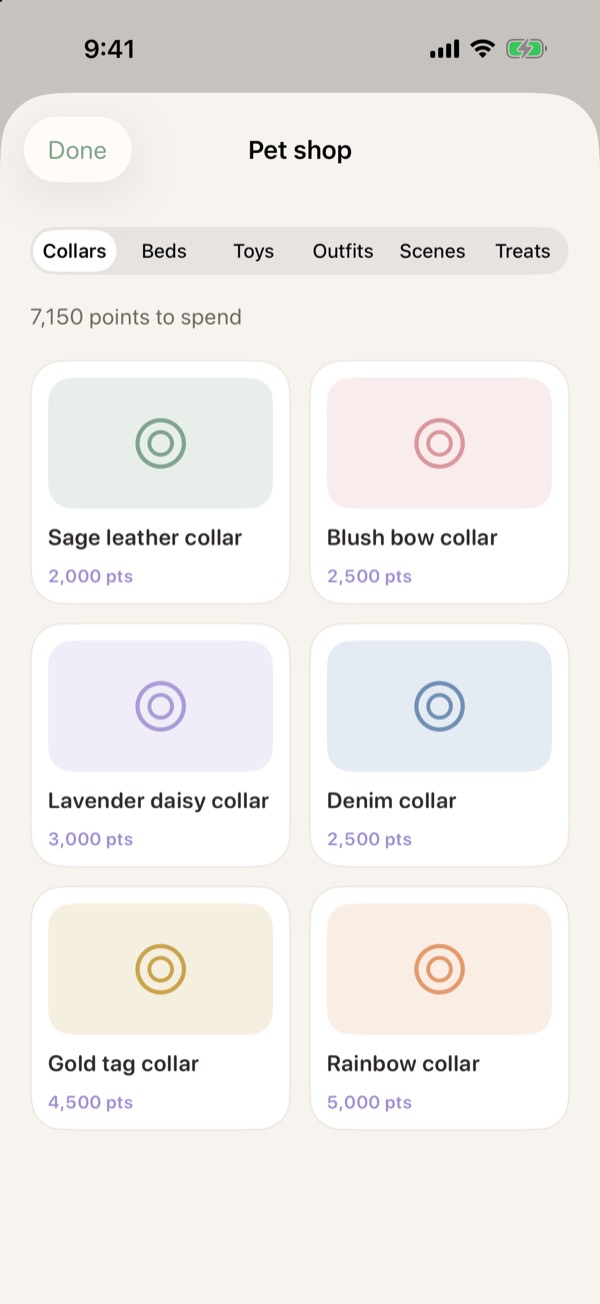
Chores earn 100 to 500 points, plus streak bonuses and awards. Spend them in the pet shop, or, if parents switch it on, cash them out for an allowance payout that parents hand over.
Parents choose the rate and the minimum, and approve every cash-out.
How the money works
Squigs is a tracking app. It never moves real money, connects to a bank or holds a card. It keeps an honest running tally of what's been earned and saved, and parents pay out however the family already does.
Nothing to link and nothing to top up. Every dollar in Squigs is a record of what was earned, not money sitting in an account.
When a chore is approved or a cash-out is accepted, the balance updates. Hand over cash, add it to a piggy bank, or move it to a savings account yourself.
A dog is the first goal. More pets and bigger savings goals, like a first car or another large purchase, are coming in future updates.
For parents
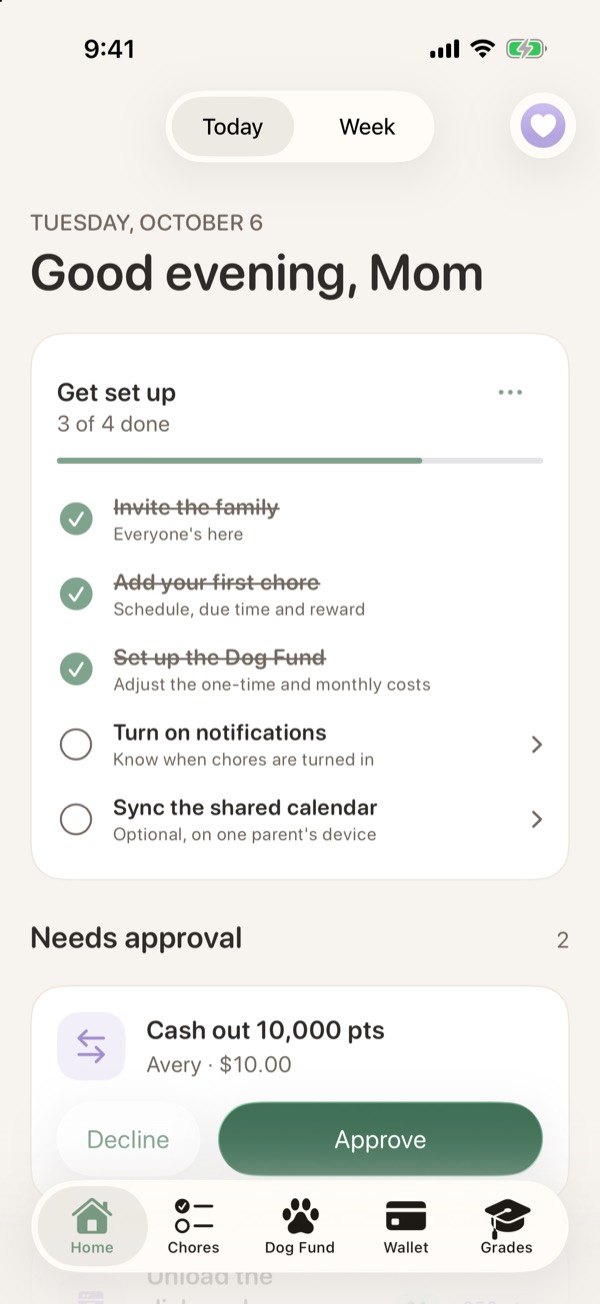
Turned-in chores, photos and cash-out requests wait on Home. Approve, send back with a note, or undo within a week.
Kids get a reminder before a chore is due and a gentle nudge if it runs late. Never between 9 PM and 7 AM.
"3 of 4 chores done · $1.50 earned · 2 waiting for you." One push to both parents, at a time you pick.
Approved, sent back and missed, with earnings, notes and photos for the last 30 days.
Chores appear in a shared iCloud calendar, alongside everything else the family has going on.
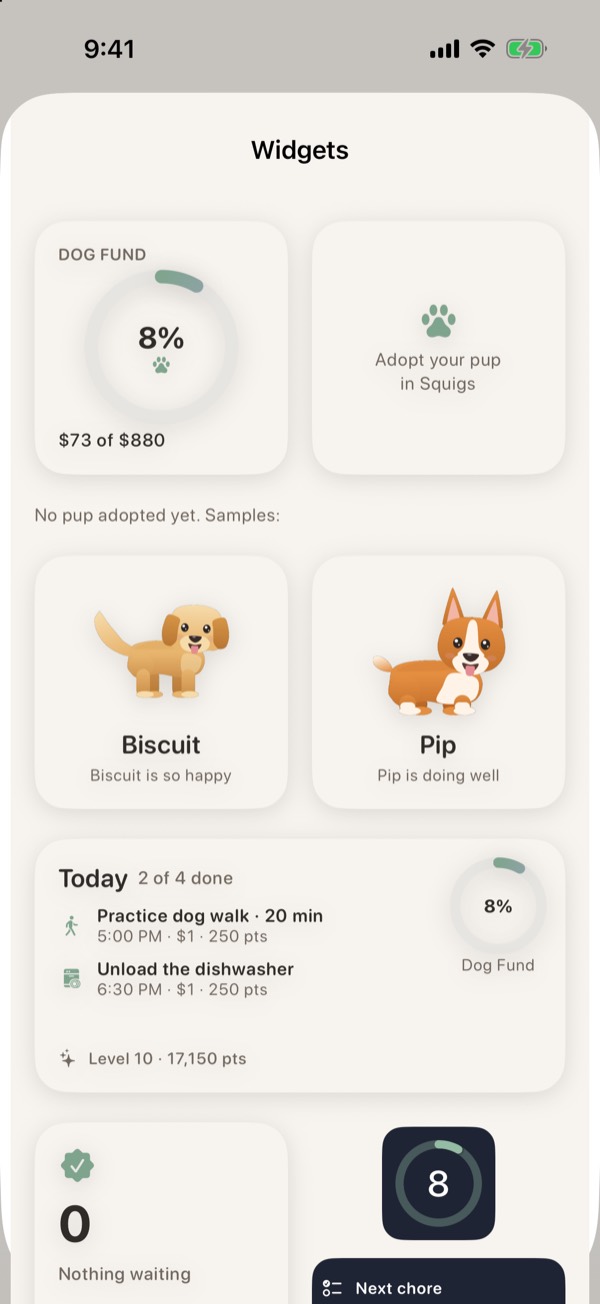
A Dog Fund ring and the pup on the Home Screen, and a two-column layout on iPad.
Privacy & safety